It was now decided that I would buy a laptop and it would be a Thinkpad. Buying new was out of the question as I just did not require the power that current machines provide (but really just because I’m poor) so I started browsing for older models. I turned up nothing locally in the classifieds or through any businesses in my city. That left eBay and I quickly found that Thinkpads hold their value vis a vis other contemporary laptop manufacturers.
Now middle aged I had more knowledge and experience with computers than in my youth so I decided that instead of buying a more expensive turn key machine I would try to buy a parts model and fix it myself to keep costs down. As it turns out despite having more knowledge and experience they did not translate into correctly estimating what it would cost to get an old machine fully operational again.
I settled on (really compulsively) purchased a for parts listing of a Thinkpad R500 with the original Lenovo power adapter for $39.52. The Ebay listing was vague but the laptop seemed to be in good physical shape judging by the pictures and it came from a seller who didn’t currently or have a history of having had any other computer related listings on their account. I thought it more likely to be a seller just getting rid of an old machine and not wanting to deal with any issues that might crop up and as such they had listed it for parts.
Originally when I started I had wanted something like a Thinkpad T400-T420 but there were just none in my price range (under $100) when I was looking. The Thinkpad R500 was a good compromise because while the Thinkpad R series was considered the “budget” model in it’s time because it lacked the rubberized magnesium lid, as such today it didn’t show the age related wear that all other Thinkpads displayed that had this trademark lid (caused by rubber reversion over time). Besides that there was little difference in my eyes between models.
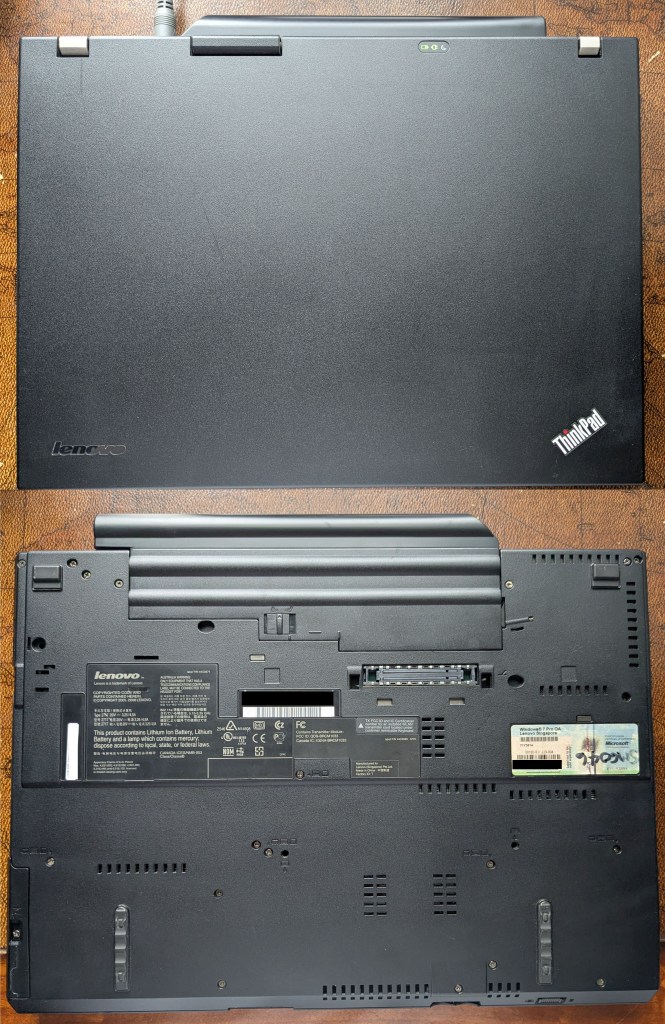
Specifications
- 15.4 Inch Screen with 1280 x 800 Resolution
- Intel Core 2 Duo P8400 2.26 GHz
- 2GB DDR3 Ram
- 320GB HDD
- Dead 3rd party battery
When I received the laptop the first thing I noticed that while the cosmetic condition was indeed good the ultrabay latch was broken and as such it always “stuck out”. It’s not really a piece you can replace easily but it isn’t a vital fix either. I ended up just using a piece of tape and sticking it down inside the machine. It’s an inelegant solution but it works and you don’t see it anyway.
To my delight the machine did turn on the first time I powered it but it immediately displayed a Fan Error message on the screen. I was able to bypass this and get into the BIOS where I also discovered the CMOS battery was dead. It was at this point my estimate of how much it would cost to get serviceable again began to be grossly wrong.
Repairs & Upgrades
Long story short I did the following things to get the Thinkpad R500 to be a usable machine again in 2026.
- CMOS battery replaced which cost $11.49 on Amazon.
- Fan Error = Fan dead = A replacement laptop fan assembly for $12.99 on Aliexpress installed.
- Processor changed to a Intel Core 2 Duo T9800 2.9 GHz for $12.83 from Ebay (I upgraded because to change the fan assembly you have to disassemble almost the whole machine anyway and I figured that since I was in the area and was going to repaste the the original processor I might as well do the upgrade at the same time).
- Installed 8GB of DDR3 RAM (2 x 4GB) for $10.20 purchased from Ebay (see point above).
- Replaced 320 GB mechanical HDD with 120GB SSD purchased from Amazon for $19.53 (see two points above).
- Bought a new genuine Lenovo 41++ 6000 mAh battery from Aliexpress for $50.29 to replace the dead 3rd party battery that came with the computer.
Total cost to repair & upgrade: $117.33
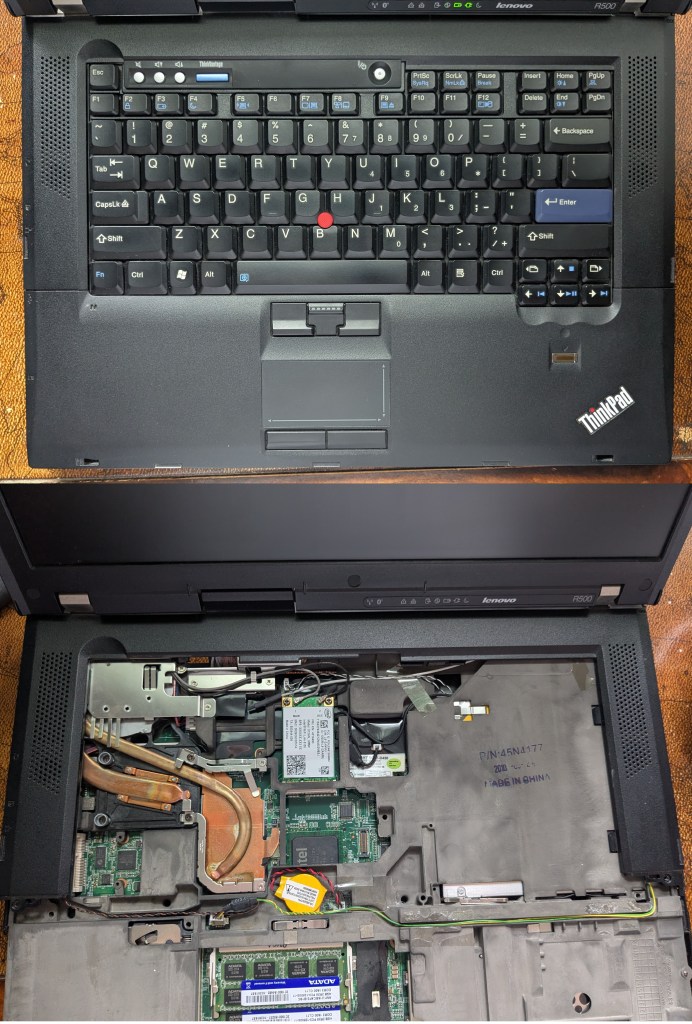
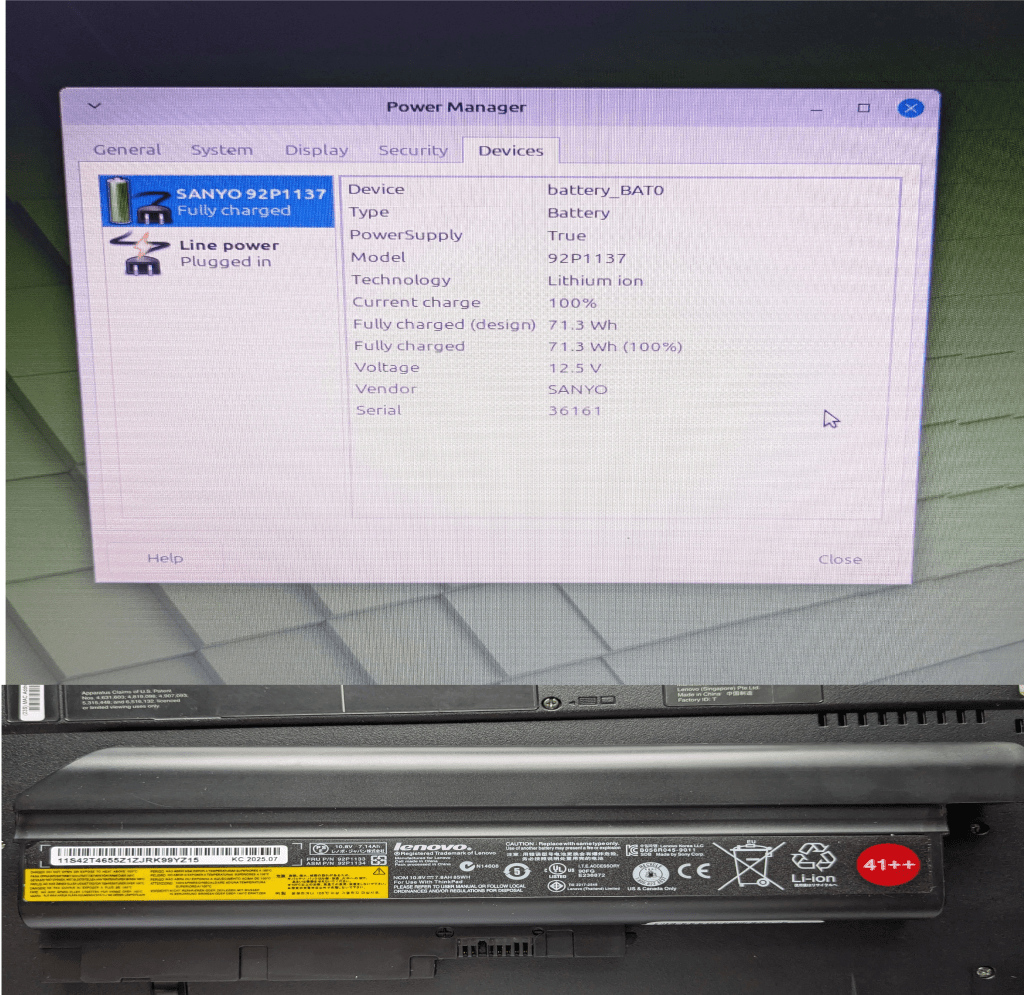
Final total cost of Thinkpad R500 $156.83
Conclusions
In the end I spent too much money fully refurbishing the computer. I would have been better off spending more time shopping for a different Thinkpad that was turn key and would have likely gotten one better for under the $156.83 I ended up spending. That being said I did learn doing the laptop upgrades and came to enjoy the process despite the associated stress it caused me.
I’ve now been using the Thinkpad R500 for close to a month and can confirm that Thinkpads do live up to the hype they receive. The Thinkpad R500 is the best built laptop I’ve even used and the fact that I was even able to refurbish the computer at all 16 years after its release confirms to me the legendary durability Thinkpads are known for. The design of the machine is big, bulky and black but it has a certain charm to it. The keyboard is a pleasure to use and type on compared to others I’ve used in the past.
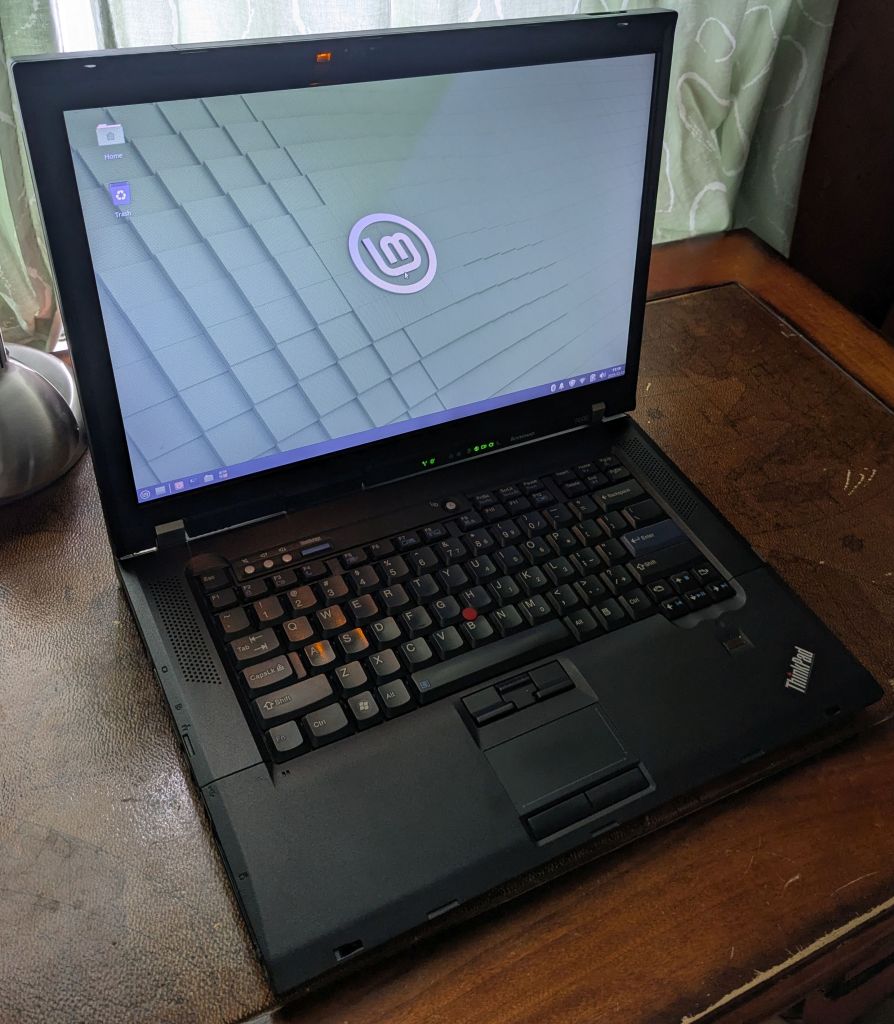
I decided upon and installed Linux mint XFCE on the Thinkpad R500. It’s a lightweight Linux distribution that is user friendly but not overly taxing on older hardware. Linux has come a long way for average users since the last time I used it. Everything pretty much worked out of the box after the initial installation. All the hotkeys, trackpoint and even the Thinklight too. I was afraid that a Core 2 Duo like the T9800 might struggle with modern web browsing in 2026 but it handles websites and video streaming like Youtube at 1080p just fine coupled with 8GB of ram. The SSD means it boots up in under 10 seconds and it is not unlike the experience you would get using a modern day laptop when running an office suite. You won’t be playing the latest games or rendering 4K video on a machine like this but for what I require it just works.
So that’s my new computer. I’m enjoying my experience using it and satisfied overall despite a few setbacks I encountered.
 CatsGamesWhatever